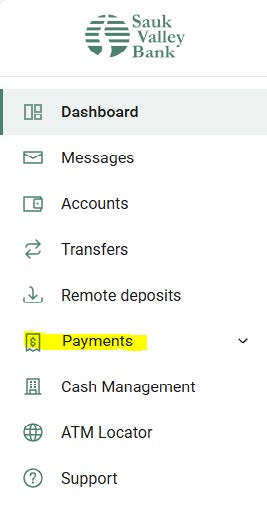
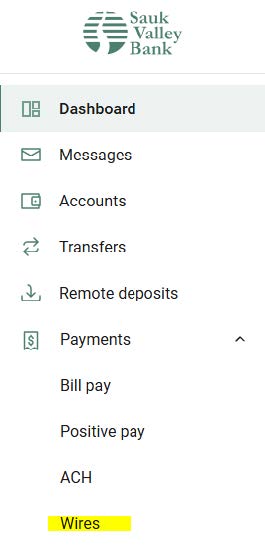
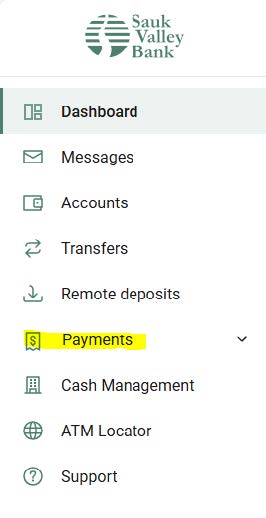
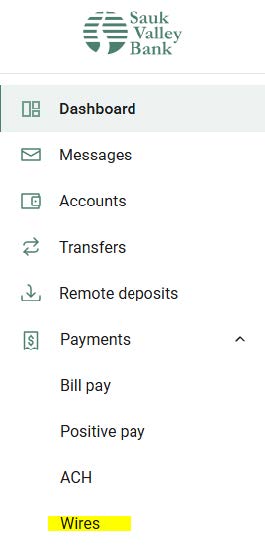
1.) Select the “Payments” tab on the left side of the screen, then select “Wires”.
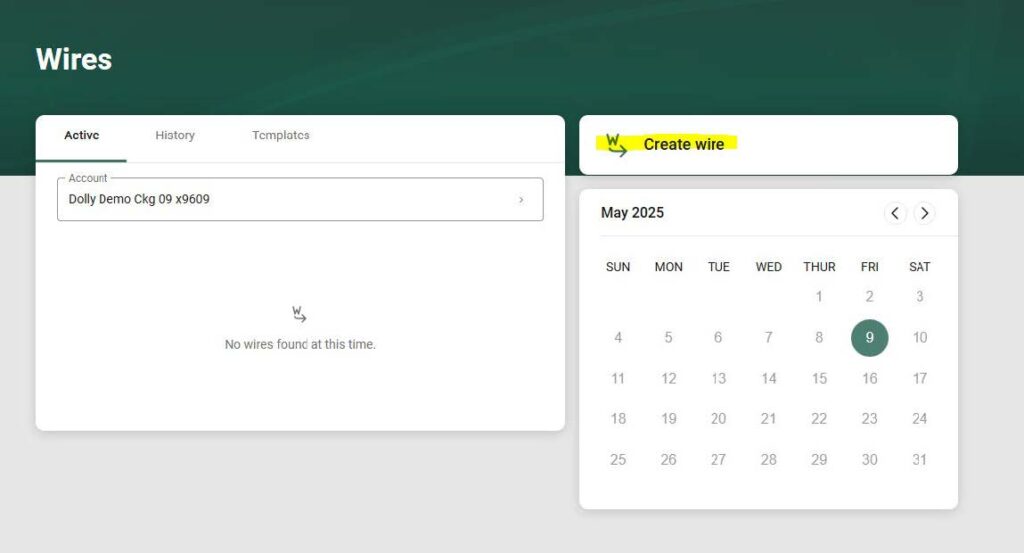
2.) Select “Create wire”.
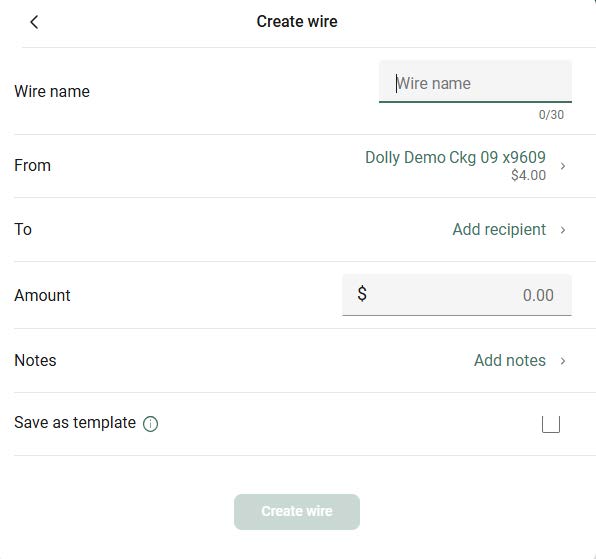
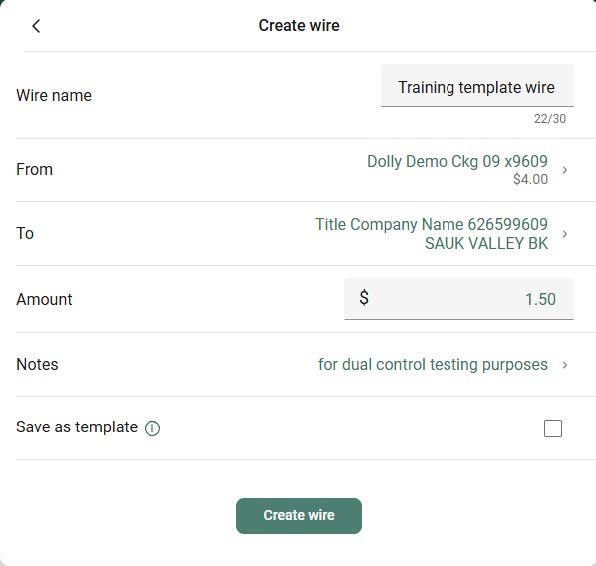
3.) Fill out each section shown in the image below.
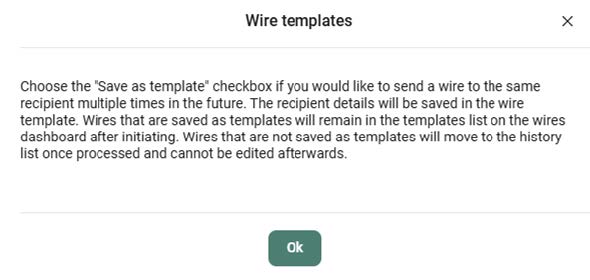
Note: If this will be a recurring wire, you have the option to select “save as template” for future use.
4.) Once you have filled out the required information, select “Create wire”.
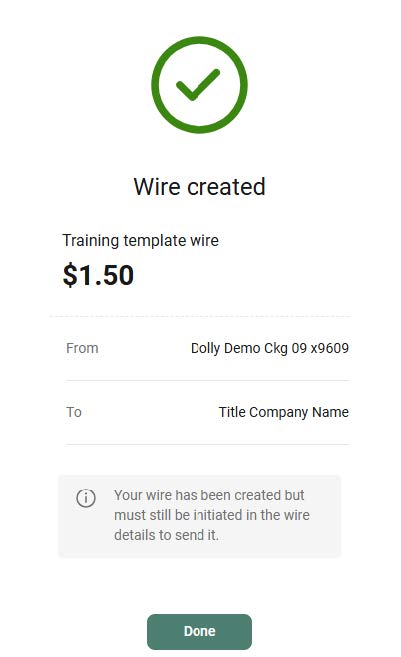
5.) Your wire has been created. The second person will now need to log in to initiate the wire.
Second Person
1.) Select the “Payments” tab on the left side of the screen, then select “Wires”.
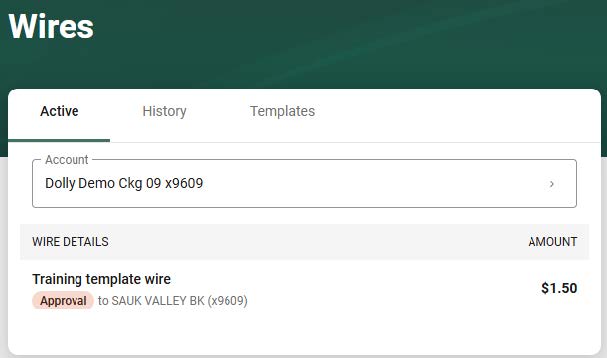
2.) Under the Active tab, you will see the wire created by the first user.
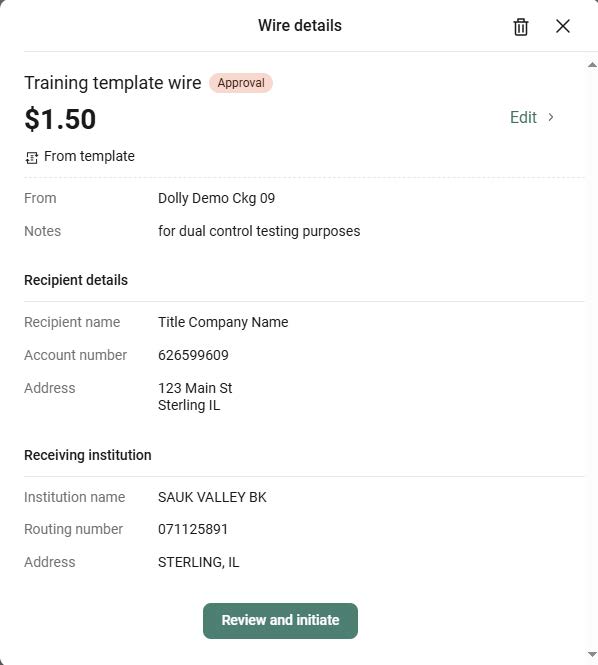
3.) Select the wire to confirm the details, and then select “Review and initiate”.
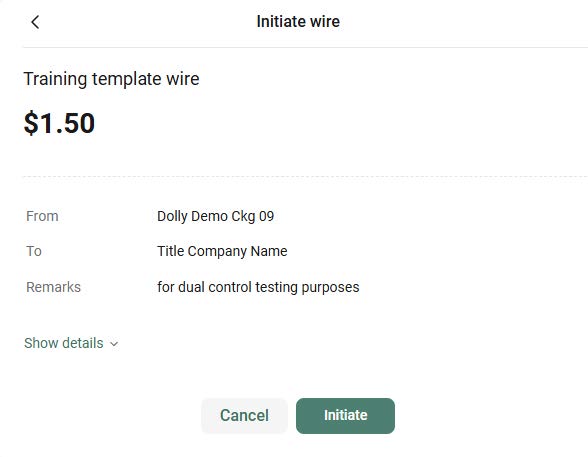
4.) Select Initiate. You will be prompted to enter your 2-factor authentication code.
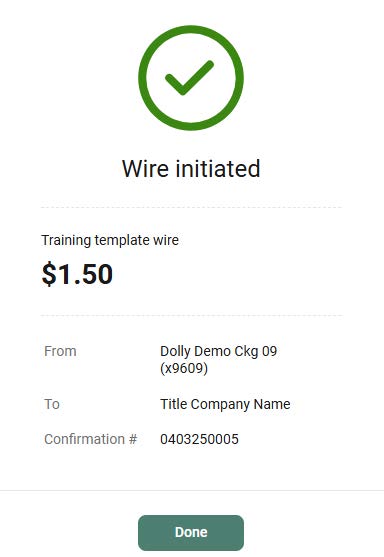
5.) Your wire has now been initiated! You will receive a confirmation number for your wire.
If you need assistance, or would like to set up a time for additional Dual Control Wire training, please reach out to our Business Services team by email at [email protected] or by phone at (815) 632-4620.
Beware of Fraudulent Phone Calls and Text Messages Pretending to Be From Sauk Valley Bank.
A Notice from Sauk Valley Bank:
You are now leaving this web site! Any products and services accessed through this web site are not provided by Sauk Valley Bank. This website may have a privacy policy and security policy that are different than Sauk Valley Bank. Please review this websites privacy and security. Do you want to continue?